W4 Pro serious usability issue: earbuds cannot be powered on without the charging case



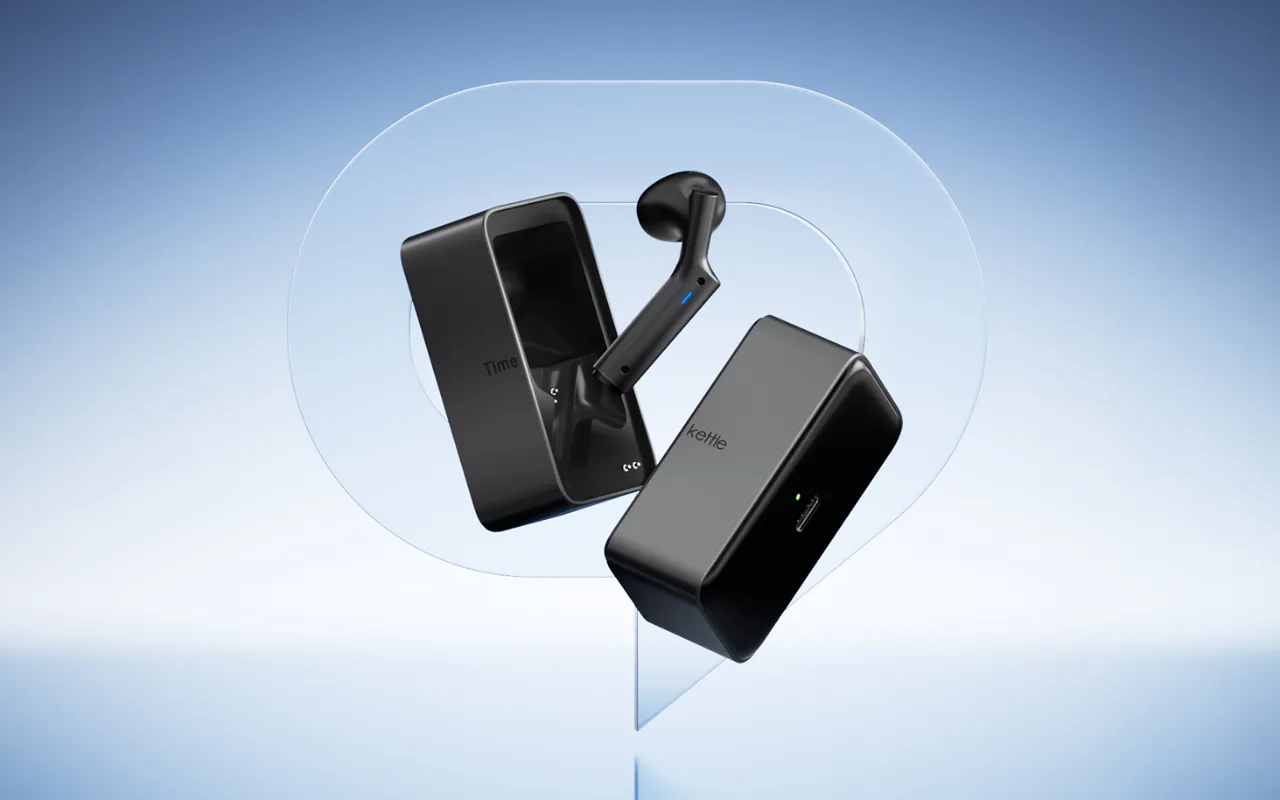
Hello, I recently purchased the W4 Pro and found what I believe is an important usability problem. If the earbuds are left unused for some time, they may power off automatically. This happened to me while I was out for dinner. I removed the earbuds and kept them in my jacket pocket. Later, when I wanted to use them again, they were completely off. I tried touching and pressing the earbuds in different ways, but I could not turn them back on. According to the W4 Pro instructions, reactivating or resetting the earbuds requires the charging case. The problem is that the W4 Pro case is quite large, approximately 8–9 cm wide, and is not something that can comfortably be carried in a normal trouser pocket. This means that if a user leaves the case at home or at the hotel and the earbuds automatically power off, the product becomes unusable until the case is available again. My questions are: 1. Is there any way to manually power on the W4 Pro earbuds without the charging case? 2. Is there any setting to disable or extend the automatic power-off time? 3. If neither option currently exists, could Timekettle consider adding a manual power-on gesture or a software setting through a firmware update? I believe this is an important issue for a product intended for travel and mobile communication. Thank you. Luis Acosta
This thread has had no new replies for 30 days. Comments are closed.

Hi Luis,
Thank you very much for taking the time to share such detailed feedback about the W4 Pro. Your explanation is very helpful,😊
My name is Penny, and I’m from the Timekettle Customer Service team. We’d be happy to help look into this with you.
Could you please contact us at support@timekettle.co and include your order number? Our team will check your case and help troubleshoot the issue with you.
Thank you again for your valuable feedback and for helping us improve the W4 Pro.