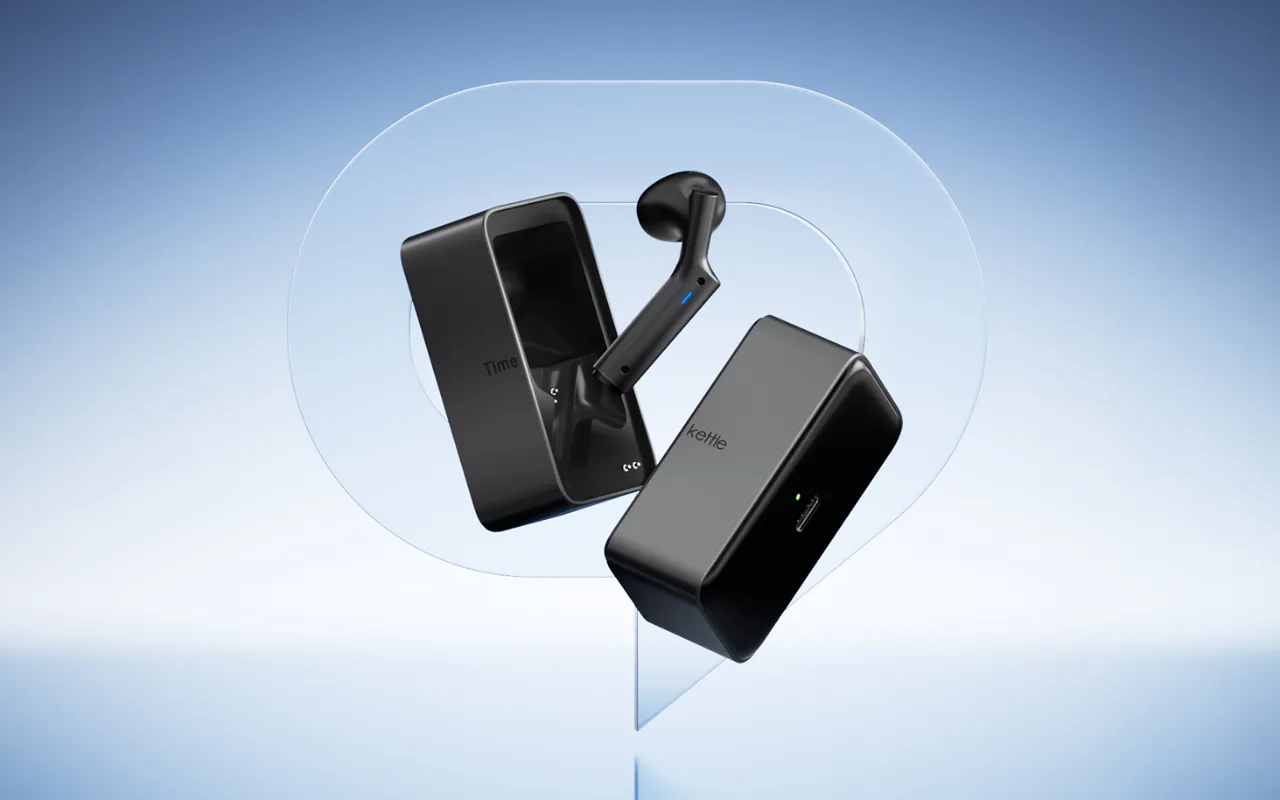
Timekettle W4 User Guide, Tutorials & FAQ

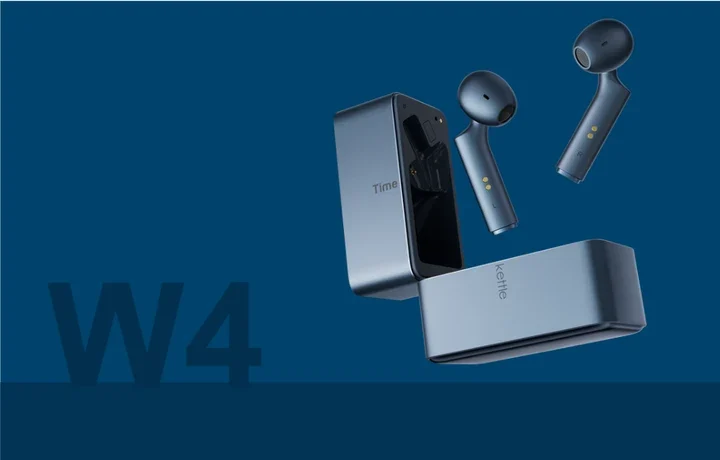
1. User Manual
Click Here to Download the W4 User Manual
The manual covers:
Device setup
Pairing with the Timekettle App
Charging
Translation modes
Troubleshooting
2. Video Tutorials
You can watch the official W4 tutorial videos Here.
3. Frequently Asked Questions
💡 Getting Started
Q: How do I pair the W4 AI Interpreter Earbuds with my mobile phone?
A: Turn on the Bluetooth of your mobile phone and ensure it is on and in discoverable mode. Take out the W4 AI Interpreter earbuds, and they will automatically enter pairing mode (the indicator light flashes). Find "Timekettle W4 AI Interpreter" in the Bluetooth list of your mobile phone and click to pair to complete the connection.
Q: Do all the functions of the W4 need to be used with an internet connection?
A: The one-on-one mode and Listen & Play functions support offline translation.
💬 Translation Features
Q: Which languages and accents does the translation of the W4 AI Interpreter Earbuds support?
A: Online translation supports 52 languages and 106 accents, covering common languages such as English, French, German, Spanish, Japanese, and Korean, as well as characteristic accents from different countries and regions.
Offline translation supports 8 languages (Chinese, English, Japanese, Korean, French, German, Spanish, and Russian) and 13 language pairs.
Q: What scenarios is the One-on-One conversation mode of the W4 AI Interpreter Earbuds suitable for?
A: It is suitable for scenarios where two people communicate face-to-face but speak different languages, such as business negotiations, international social gatherings, etc.
Both parties wear the earbuds, turn on the One-on-One conversation mode, and the earbuds can translate what each other says in real-time to achieve smooth communication.
⭐ Device & Hardware
Q: Can the W4 AI Interpreter Earbuds be used for listening to music and making calls?
A: Yes. The W4 AI Interpreter earbuds are not only professional simultaneous-interpreting earbuds but also meet daily needs.
They can be used for daily phone calls and music listening through a Bluetooth connection.
Q: What is the speaker size of the W4 AI Interpreter Earbuds, and what is the sound quality
A: The speaker size is 12mm.
In terms of sound quality, although its main function is translation, it can also provide clear sound when listening to music, meeting the needs of daily casual music listening.
Q: How long is the battery life of the W4 AI Interpreter Earbuds?
A: The battery capacity of a single earbud is 60mAh. The translation usage time is 4 hours, and the music playback time is 6 hours. The charging case has a capacity of 500mAh, and the charging time is 1.5 hours. It can charge the earbuds 2 times. The overall comprehensive battery life is 12 hours of translation and 18 hours of music playback.
🔍 Product Comparison
Q: What are the biggest differences between the W4 and the W4 Pro?
The core translation functions of the two are similar, but:
The price of the W4 AI Interpreter is $349, while the price of the W4 AI Interpreter Pro is $449.
The W4 AI Interpreter has a stronger sound pickup performance. It is equipped with 1 bone conduction sensor + 2 microphones and adopts the bone conduction + microphone hybrid sound pickup technology; the W4 AI Interpreter Pro is only equipped with three microphones.
The W4 AI Interpreter does not support call translation, while the W4 AI Interpreter Pro supports two-way call translation.
The music playback duration of the W4 AI Interpreter is 6 hours, while that of the W4 AI Interpreter Pro is 12 hours.
The translation usage duration of the W4 AI Interpreter is 4 hours, and that of the W4 AI Interpreter Pro is 4 hours.
W4 is semi-in-ear headphones, while W4 Pro is an open-ear headphone.
W4 is more compact and portable for on-the-go use, while W4 Pro is better suited for indoor settings like conference rooms.
✅ Unlimited Plan & Subscription
Q: What is the Unlimited Plan? What do I get after subscribing?
A: The Unlimited Plan is a premium subscription from Timekettle for W4 users. Once subscribed, you unlock:
Unlimited Multi-Media Translation – No more trial limits. Translations run continuously without interruption.
Unlimited Voice Call Translation – Enjoy unlimited time for phone and voice translations, with no caps.
AI Realtime Recap – During multi-media or voice call translations, the AI automatically generates live conversation summaries, making it easy to review key points.
In a nutshell: Subscribing gives you unlimited use of two core translation features + AI smart summaries – for seamless, worry-free cross-lingual communication.
Q: If I don’t subscribe, will it affect the features I am currently using?
A: No. Not subscribing will not affect any of your existing features.
Unchanged features (always free & unlimited):
The original One-on-One and Listen & Play modes on the W4 remain fully accessible with no restrictions.
Trial for new features:
The newly added Multi-Media Translation and Voice Call Translation modes come with a complimentary 10-minute trial per device for each feature.
No interruption during trial:
Even if your free trial minutes run out during an active session, your ongoing translation will not cut off – you can finish that session normally.
Important: Once the free trial time is completely exhausted, a subscription is required to start new translation sessions. Any translation already in progress will not be interrupted.
Q: How much does the subscription service cost? Is there a free trial?
A: Yes, there is a free trial, and the subscription pricing is as follows:
Subscription cost:
$14.99/month for the Unlimited Plan – gives you unrestricted access to all features.
For users outside the US, prices are automatically adjusted by Apple based on local exchange rates and taxes. The final amount will be shown on the App Store.
Free trial:
Each W4 device automatically receives 10 minutes of free trial for both Multi-Media Translation and Voice Call Translation upon its first Bluetooth connection.
No separate application is needed.
Note: AI Realtime Recap is not available during the free trial.
Tip: Use the free trial to test translation quality in your real scenarios before subscribing.
Q: Can I cancel my subscription at any time if I no longer want to use it?
A: Yes – you can cancel at any time with no cancellation fees.
How to cancel?
Open iPhone Settings → Tap your Apple ID at the top → Tap Subscriptions.
Find the Timekettle subscription and tap Cancel Subscription.
What happens after cancellation?
Keep access until expiry – Your benefits remain active until the end of the current billing cycle, with no further charges.
Re-subscribe anytime – You can easily subscribe again whenever you need to.
Example: If you subscribe on June 5 and cancel on June 20, you can still use all premium features normally until the subscription officially expires on July 5.
Note: Canceling does not cut off your access immediately. You keep full benefits until the billing period ends.
Learn more about W4: Click Here
Need more help with W4? Contact our support team for further assistance at support@timekettle.co
Content edited on 2026-07-29
Log in to join the discussion
No comments yet. Be the first to reply.