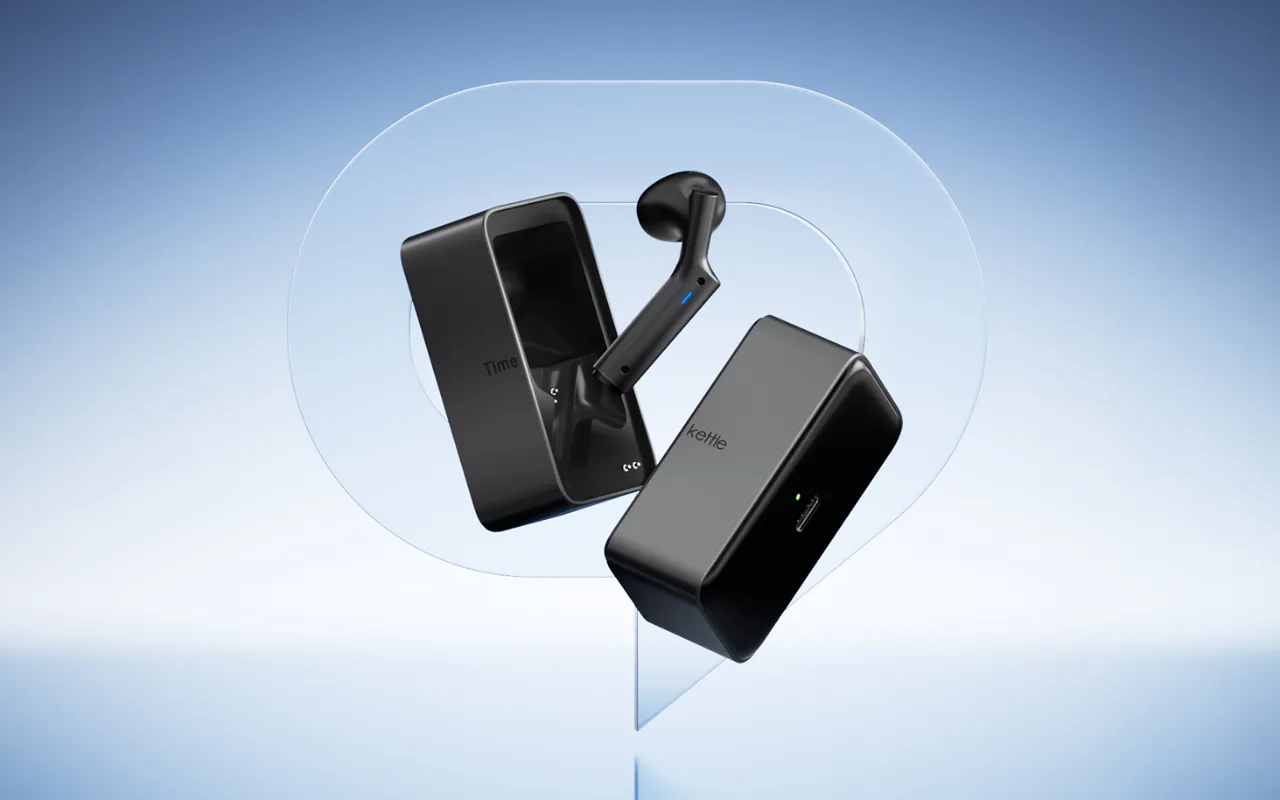
Timekettle New T1 User Guide, Tutorials & FAQ

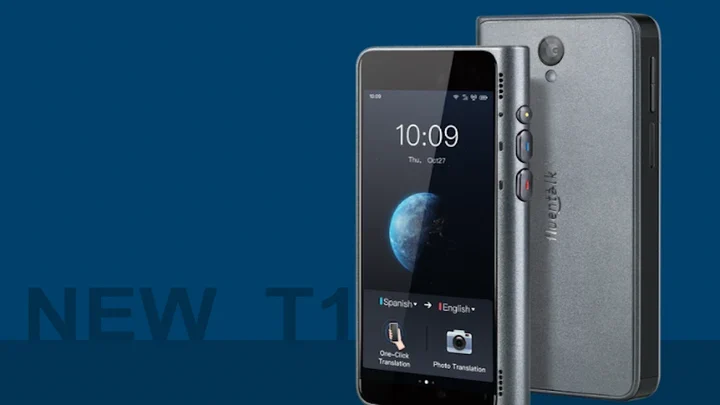
1. User Manual
Click Here to Download the New T1 Meeting User Manual
2. Video Tutorials
You can watch the official New T1 tutorial videos Here.
3. Frequently Asked Questions
⭐ Product Usage & Features
Q: How does New T1 work and how to use it?
A: New T1 have 3 modes and 3 functions for you to use:
Modes:
One-click translation Mode for fast conversation, you just need to press the red button to speak the corresponding language, and then press the blue button for your partner to speak his/her language. Thus you have a fluent conversation.
Listen Mode to help capture what others say and then translate to your language, you just need to click the start icon, then it will pick up the voice and present the translation content on screen.
Chat Translation Mode will automatically caputures what you are saying and translate it into the target language of your partner instantly and vice versa. You just need to click the start icon and speak to the red side, and your partner speak to the blue side, thus you have a fluent conversation.
Functions:
Photo translation for street signs, maps, menus, etc
Ask for Directions function is a Perfect Ice-Breaker. Double click of power-on button to start this mode for fluent conversation.
Voice Memo supports voice transcribe from voice to text and automatically saves in your phone.
⚡ Cellular Data & Internet Connection
Q: Why is there no SIM card in the product?
A: New T1 uses a built-in data card and can be used without inserting another SIM card. It should be noted that before using New T1 (2 years of free mobile data) you need to turn on the data network switch.
Q: How to activate the 2-year free cellular data plan? Do I need something like a fish card?
A: No, no fish card is needed. After you receive the product, start up, click experience and then you are able to use the data for free for 2 years. You will see the remaining days after login.
Q: How to use the device after the 2-year free cellular data plan expires? Do I need to buy your cellular data?
A: After the free data service expires, you can insert the mobile phone SIM card or use the WiFi connection
Or you can renew the data plan on the "Data Service" page within the translator. New T1 cellular data pricing is $14.9/Month, $49.9/Year or 10 fish coins/Month, 30 fish coins/Year
✅ Language Support
Q: What languages does New T1 support Offline?
A: 44 Pairs of Language Offline Packs
Chinese ⇆ English, Japanese, Korean, Spanish, Thai, German, French, Italian, Russian, Arabic
English ⇆ Chinese, Japanese, Korean, Thai, French, Italian, Spanish, German, Russian, Arabic
Spanish ⇆ Chinese, English, Japanese, Korean, Thai, German, French, Italian, Russian, Arabic
Arabic ⇆ Chinese, English, Japanese, Korean, Spanish, Thai, German, French, Italian, Russian
Russian ⇆ Chinese, English, Korean, Spanish, German, French, Italian, Arabic
German ⇆ Chinese, English, Japanese, Spanish, French, Italian, Russian, Arabic
Korean ⇆ Chinese, English, Japanese, Spanish, Thai, Russian, Arabic
Japanese ⇆ Chinese, English, Korean, Spanish, Thai, German, Arabic
Italian ⇆ Chinese, English, Spanish, German, Russian, Arabic
Thai ⇆ Chinese, English, Japanese, Korean, Spanish, Arabic
French ⇆ Chinese, English, Spanish, German, Russian, Arabic
We will keep updating. Kindly be noticed that please download the offline package through “Setting” before using offline translation.You can use the above offline language pairs on the plane.
Learn more about New T1: Click Here
Need more help with New T1? Contact our support team for further assistance at support@timekettle.co
Log in to join the discussion
No comments yet. Be the first to reply.